
In the Apperance tab you can choose how prominently the message is displayed to users. The starting and ending times can also be hidden, if necessary.
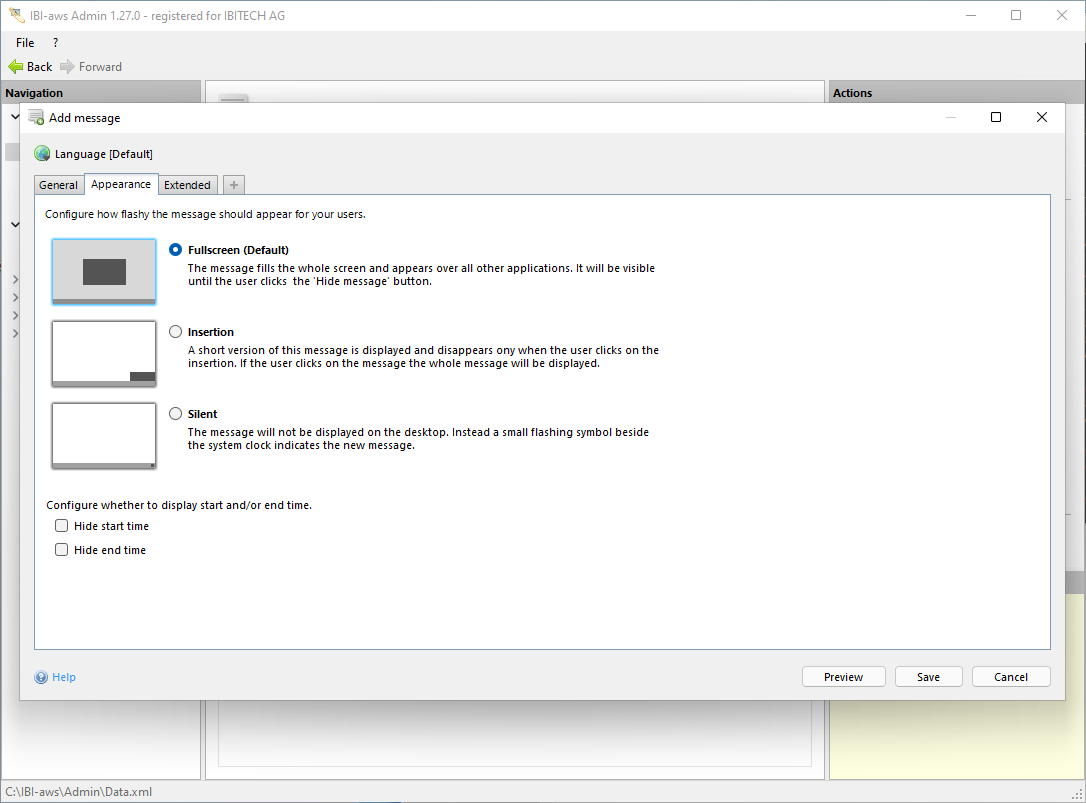
You can choose from the following types of display:
Display mode
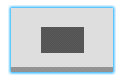
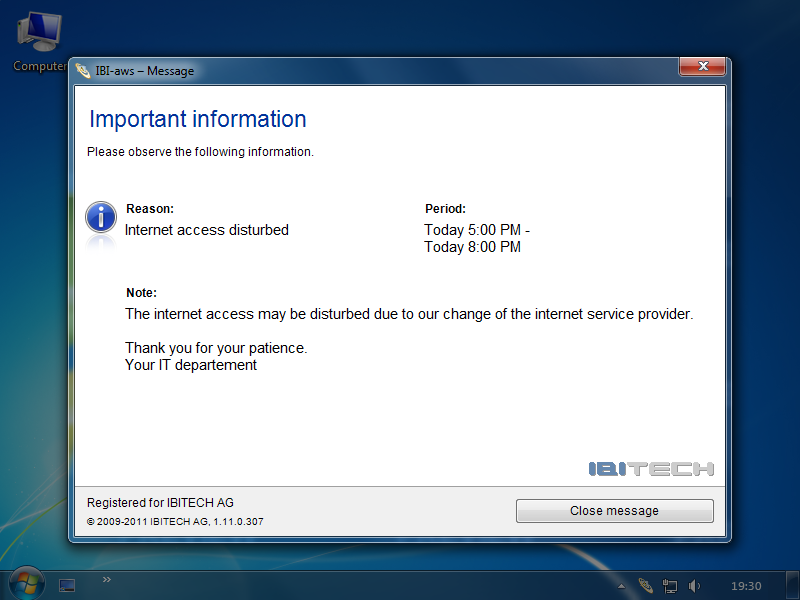
Fullscreen
The message fills the whole screen an appears over all other applications. It will be visible until the user cklicks the Hide message button.
|
Selection |
Appearance on the Client |
|---|---|
|
|
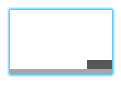
Insertion
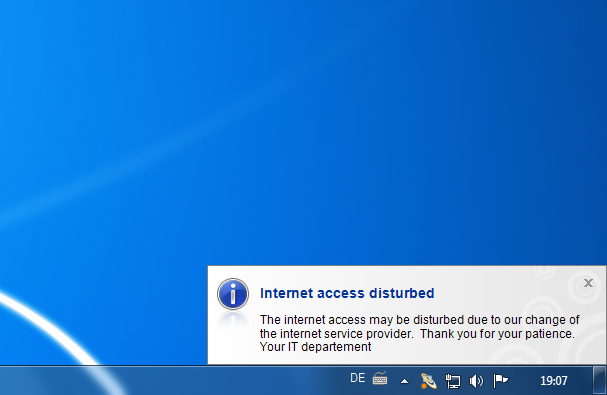
A short version of the message appears at the lower right corner of the screen for a few seconds. If the user clicks on the message the whole message would be displayed.
|
Selection |
Appearance on the Client |
|---|---|
|
|
Silent
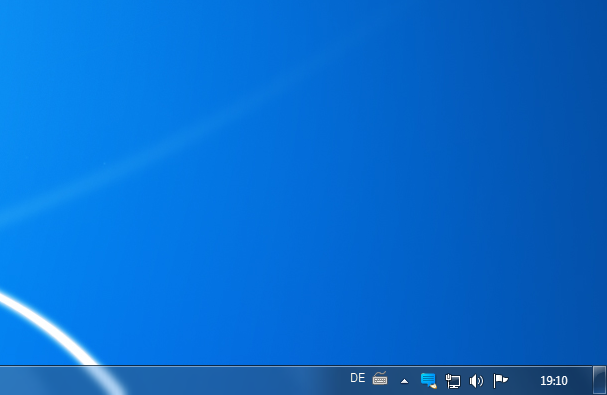
The message will not be displayed on the desktop. Instead a small flashing symbol beside the system clock indicates the new message.
|
Selection |
Appearance on the Client |
|---|---|
|
|
Hide start time
If this option is selected the start time will not be shown in the message and early warnings.
Hide end ime
If this option is selected the end time will not be shown in the message and early warnings.