
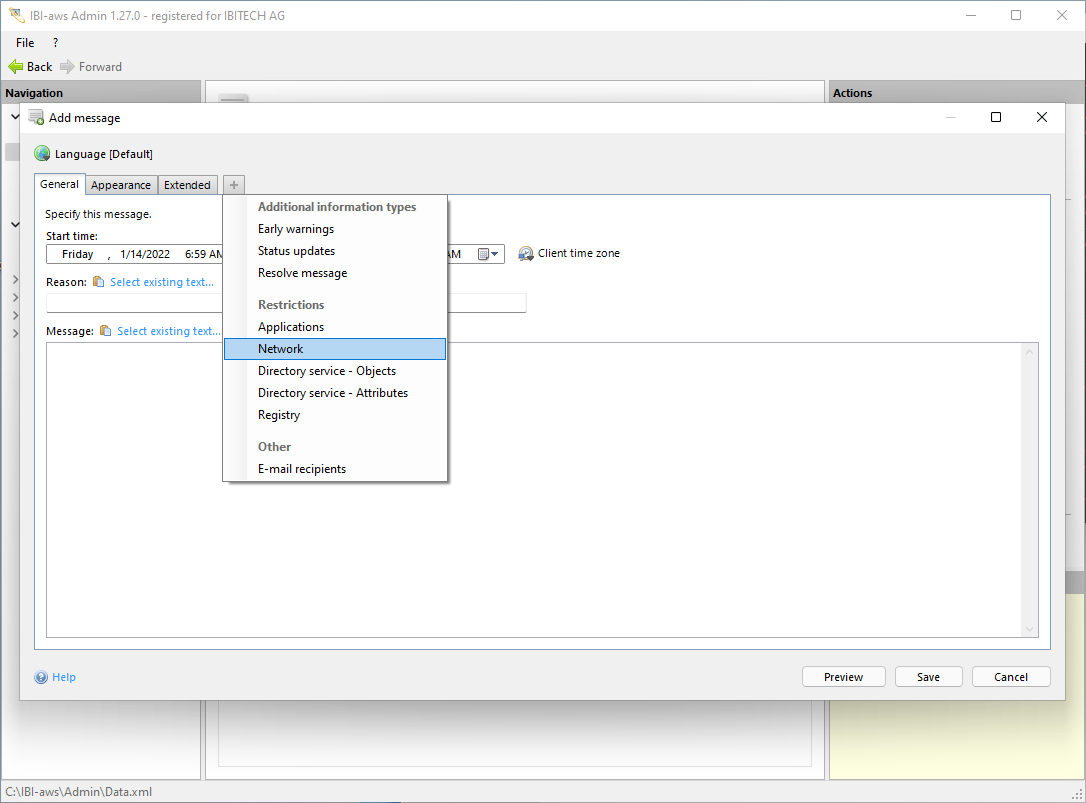
Show tab
The tab can be shown using the + symbol or the shortcut CTRL + + respectively CTRL + T.
Hide tab
The tab can be hidden using the x symbol or the shortcut CTRL + - respectively CTRL + W.
Description
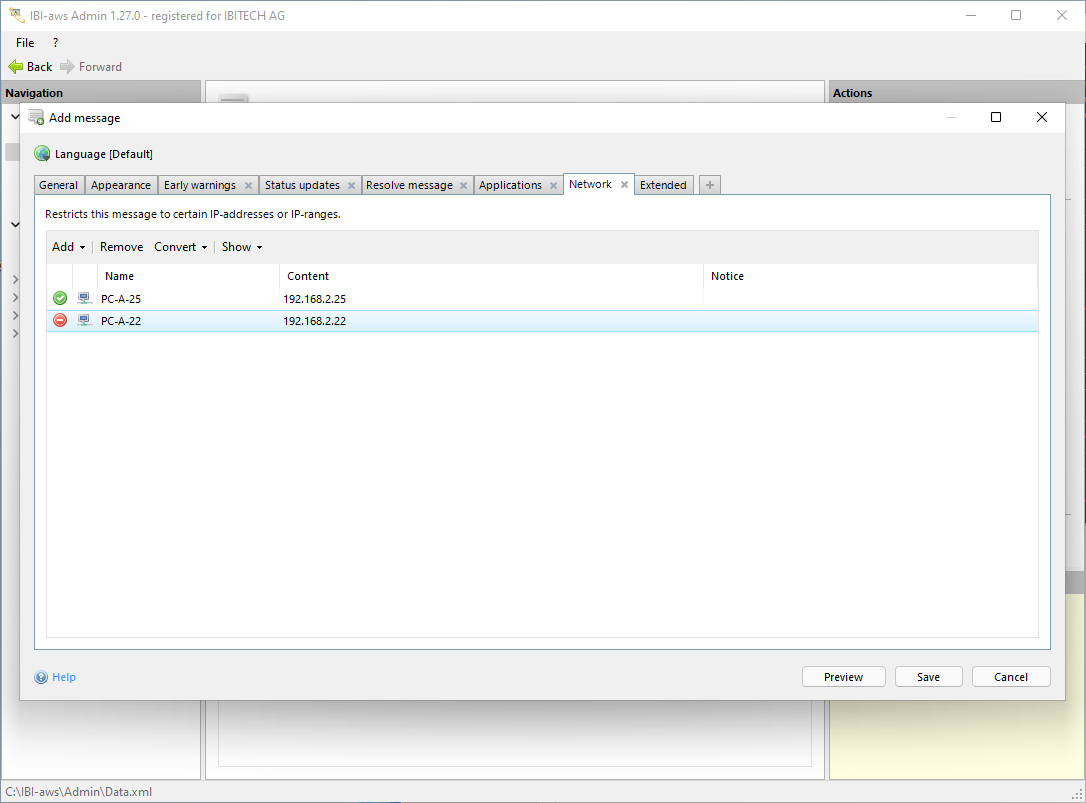
This tab lets you specify whether a message is valid only for specific IP addresses or IP ranges. Exclusions of specific IP addresses or IP ranges can also be set.
Add / Remove
You can add or delete network restrictions using the buttons above the list. To add network restrictions you need to define them within the network pool.
Convert
Using the button Convert will allow you to convert the selected restrictions in the list into an 

Show
The display of group-wide exclusions can be turned off under Show. In the list group-wide exclusions appear as grey items. In case many group-wide exclusions exist click Show to make them invisible. Please note that making use of this option will not deactivate group-wide exclusions!
Group-wide Exclusions will be ignored
This warning will be displayed if group-wide exclusions have been deaktivated for this message by making use of the option on the tab Extended.