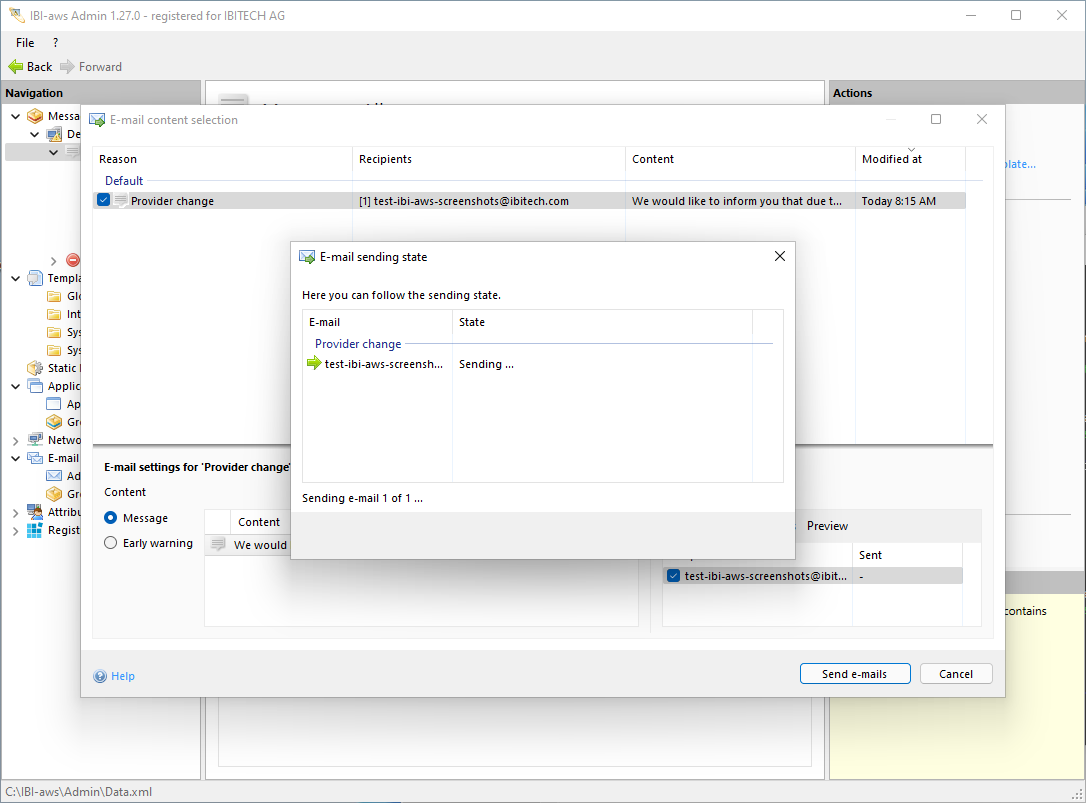
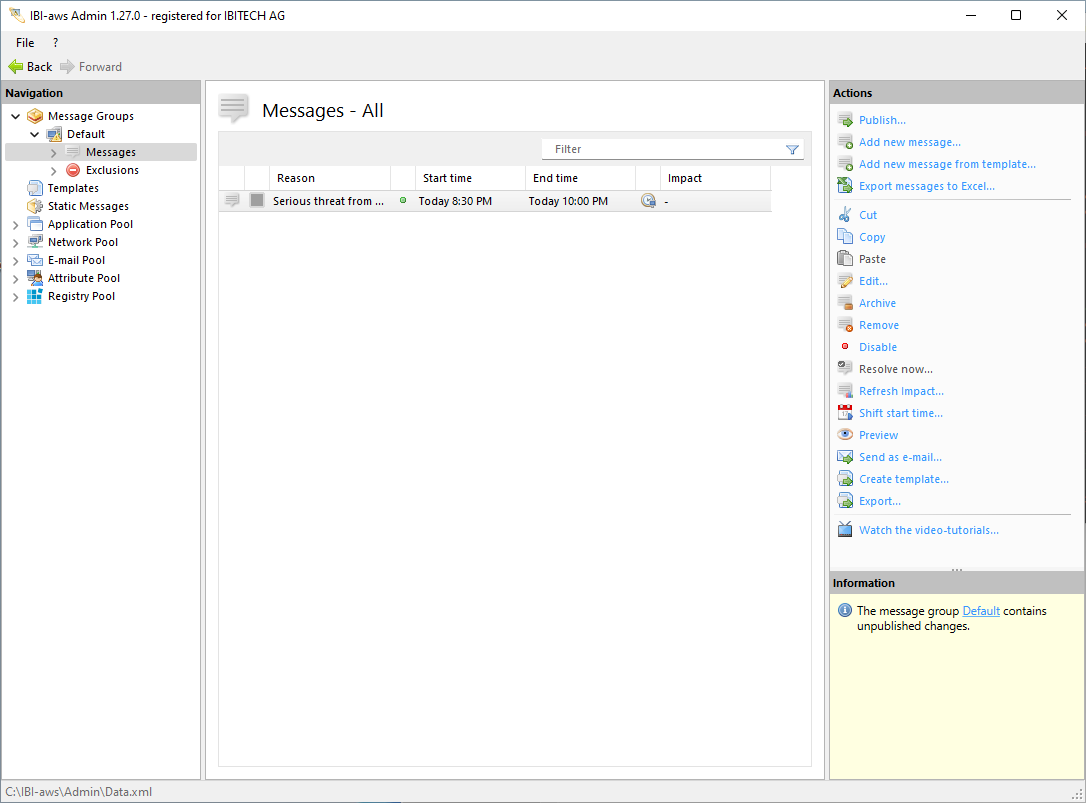
A message can be sent as an e-mail if necessary by selecting it in the message list of a message group and then clicking on Send as e-mail.
Furthermore, you can define in the e-mail settings whether and how the e-mail delivery should be integrated into the publication process.
Before this can be done, e-mail delivery must be configured in the settings.
If a message contains early warnings, status updates or a resolve message, you must select which content to use before sending.
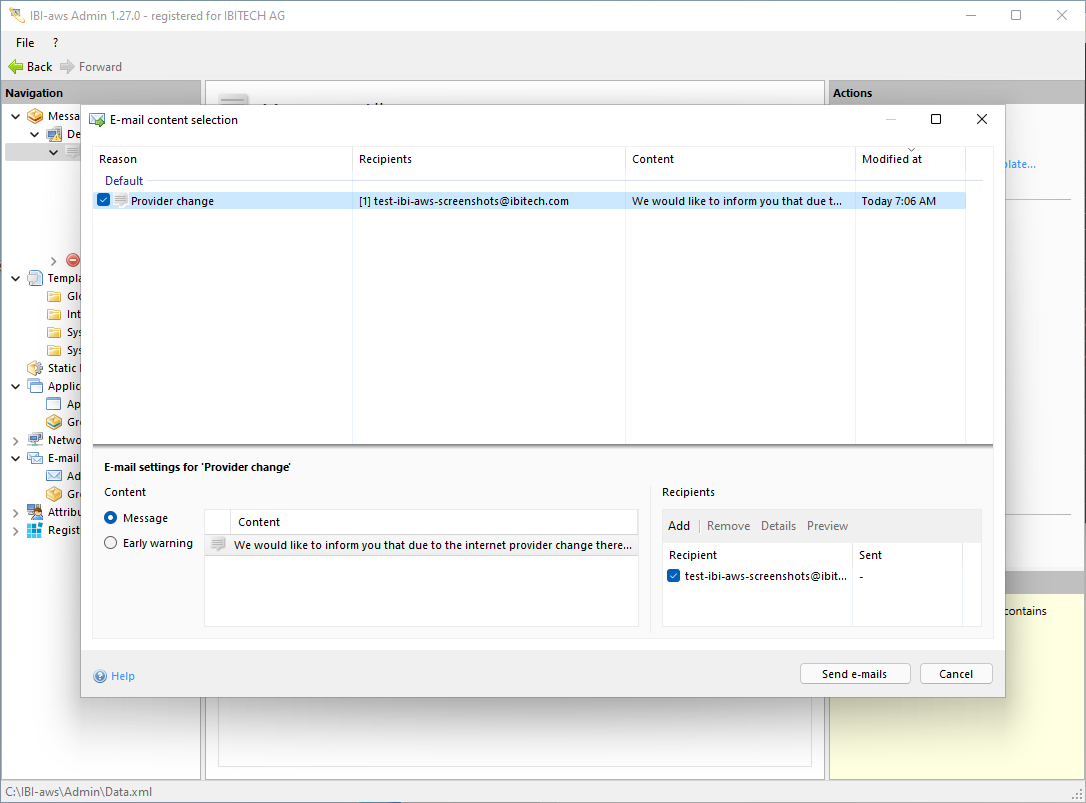
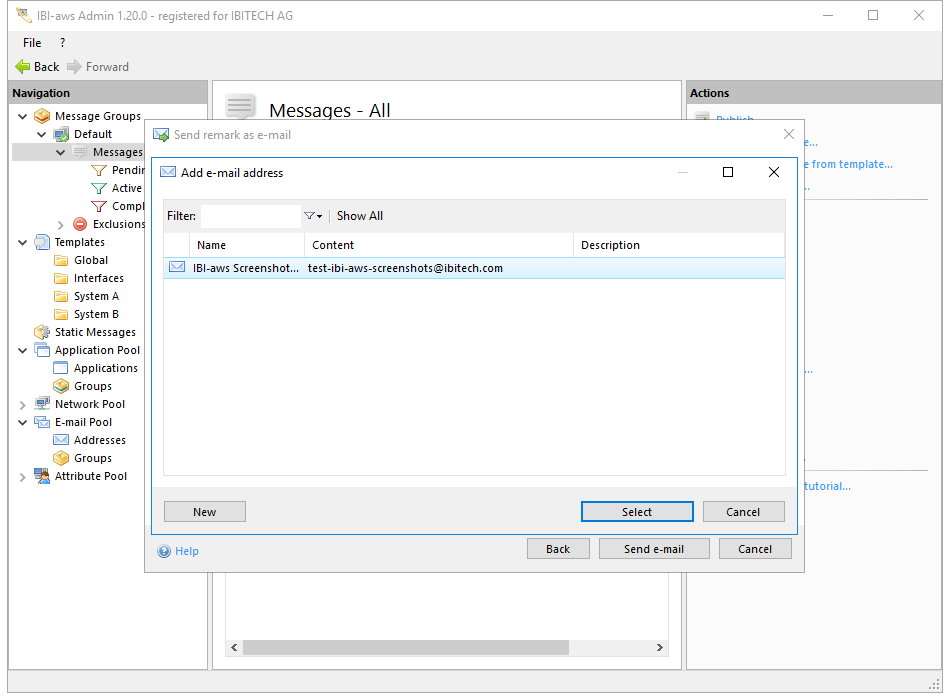
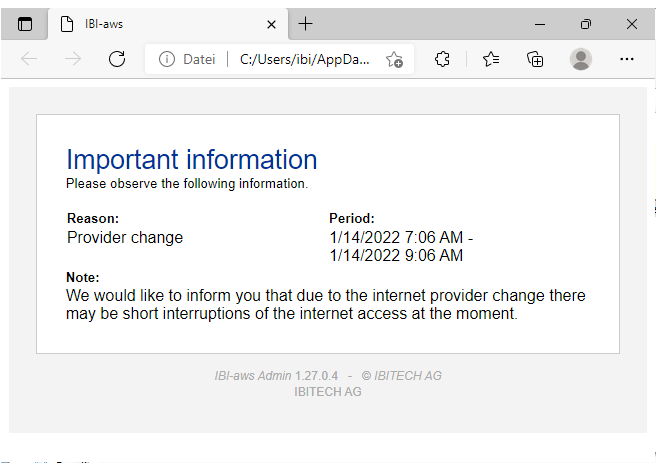
The final step is selecting recipients. Before the e-mail is sent to the recipients, its content can be reviewed by clicking on the Preview button.
This generates a preview and displays it in the default browser.
Finally, clicking on the Send E-Mail button unhighlights all e-mail addresses and displays the E-Mail Send Status.