
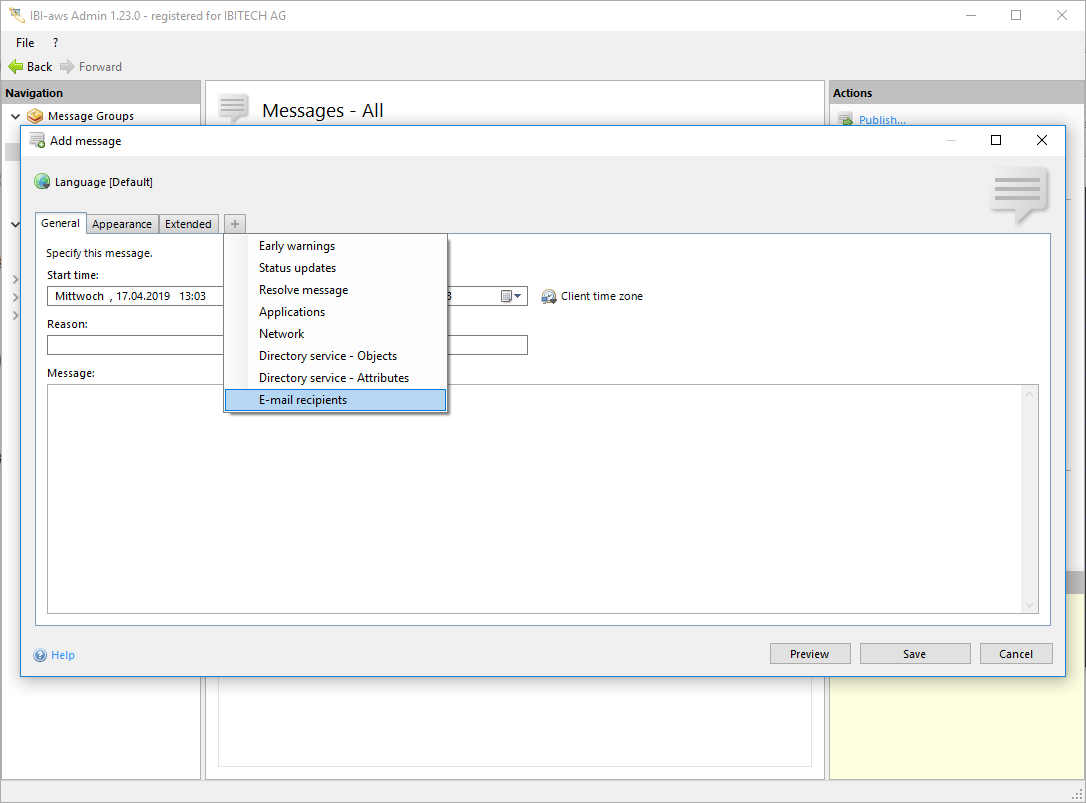
Show tab
The tab can be shown using the + symbol or the shortcut CTRL + + respectively CTRL + T.
Hide tab
The tab can be hidden using the x symbol or the shortcut CTRL + - respectively CTRL + W.
Description
In this tab the recipients for the e-mail delivery can be managed. Both individual e-mail addresses and groups can be used as e-mail recipients.
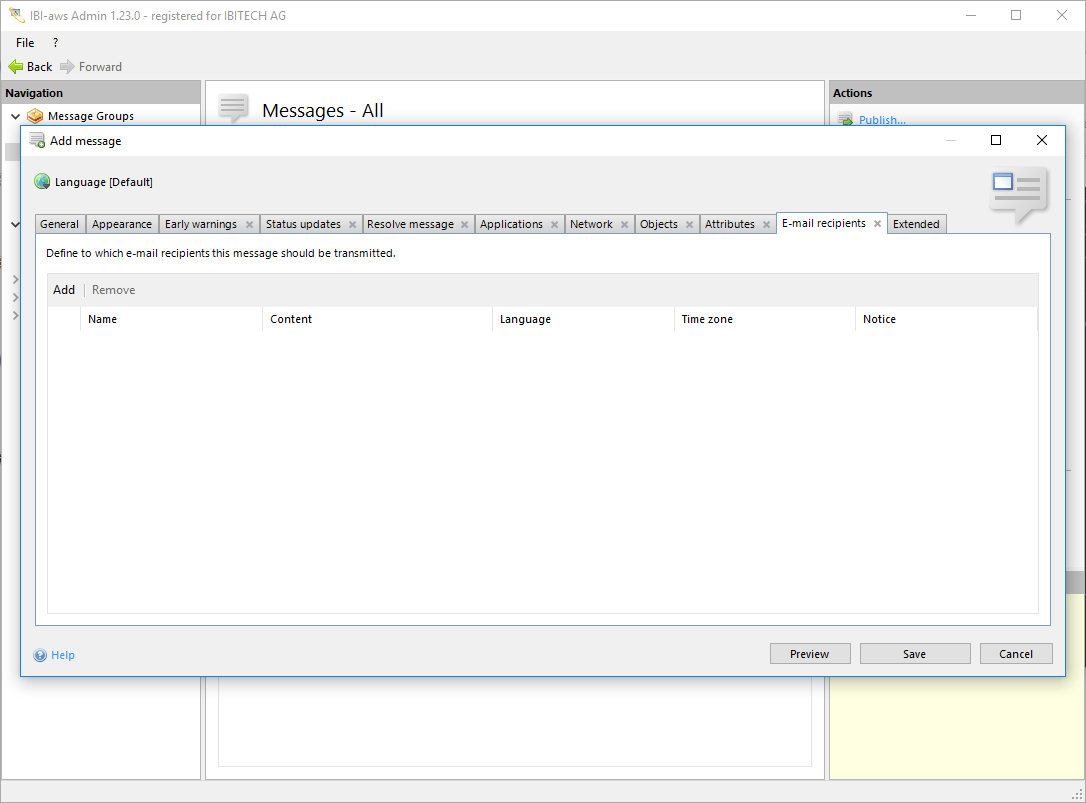
Add / Remove
Use the buttons above the table to add or remove e-mail recipients. To add e-mail recipients, they must first be defined in the E-mail Pool.