
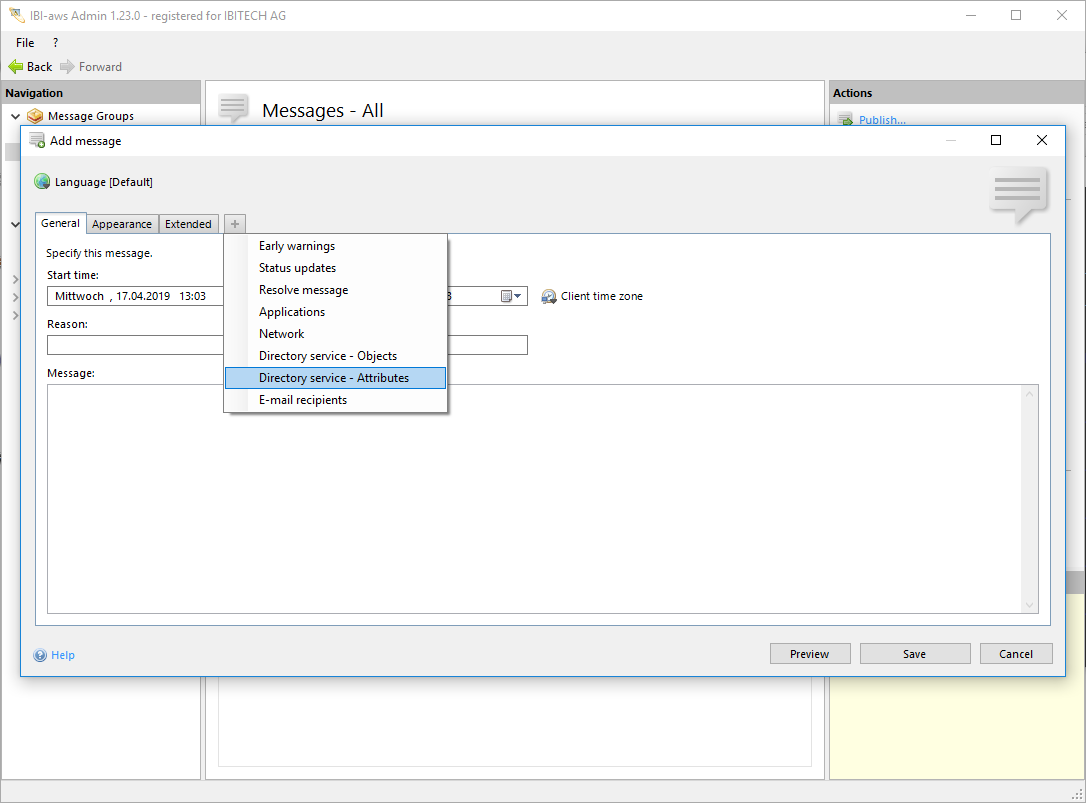
Show tab
The tab can be shown using the + symbol or the shortcut CTRL + + respectively CTRL + T.
Hide tab
The tab can be hidden using the x symbol or the shortcut CTRL + - respectively CTRL + W.
Description
This tab allows directing messages to explicit users or computers which have certain directory service attributes.
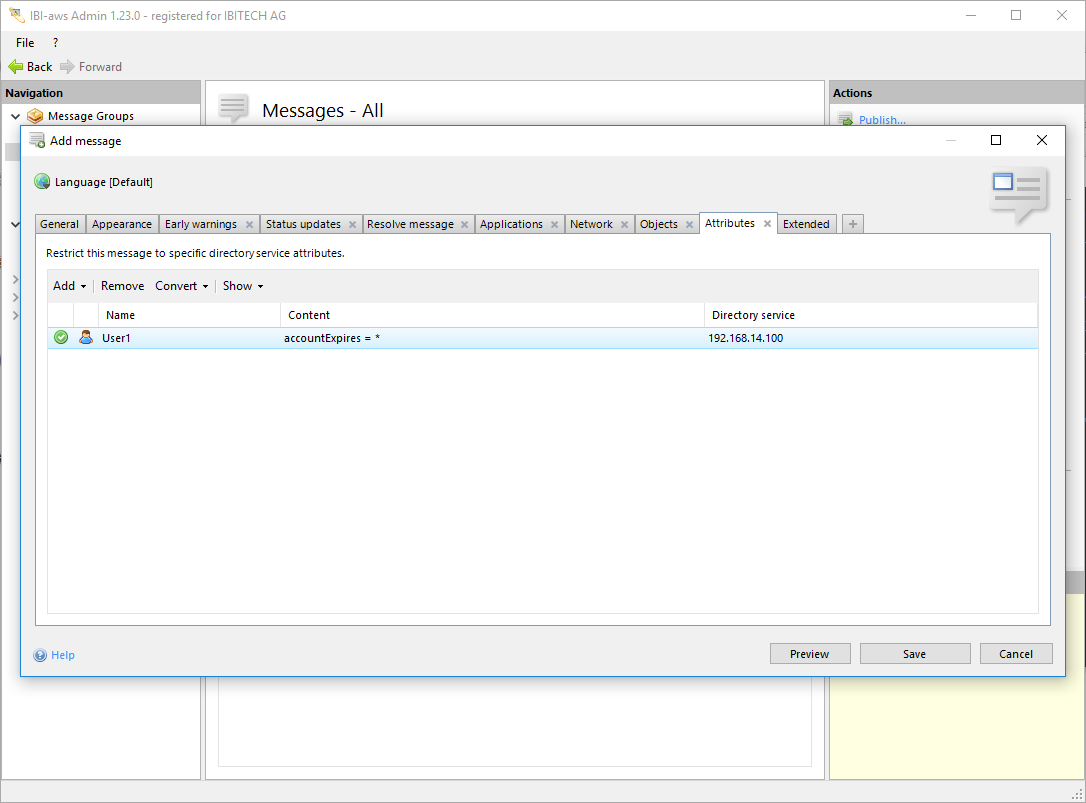
Add / Remove
You can add or delete attribute restrictions using the buttons above the list. To add attribute restrictions you need to define them within the attribute pool first.
Convert
Using the button Convert will allow you to convert the selected restrictions in the list into an image 

Show
The display of group-wide exclusions can be turned off under Show. In the list group-wide exclusions appear as grey items. In case many group-wide exclusions exist click Show to make them invisible. Please note that making use of this option will not deactivate group-wide exclusions!
Group-wide Exclusions will be ignored
This warning will be displayed if group-wide exclusions have been deaktivated for this message by making use of the option on the tab Extended.