
To ensure that the downloaded executable files have not been altered during transmission, we recommend verifying the digital signature.
Procedure
-
Open the Properties of the .exe file
-
Switch to the Digital Signatures tab
-
Select the existing signature and click Details
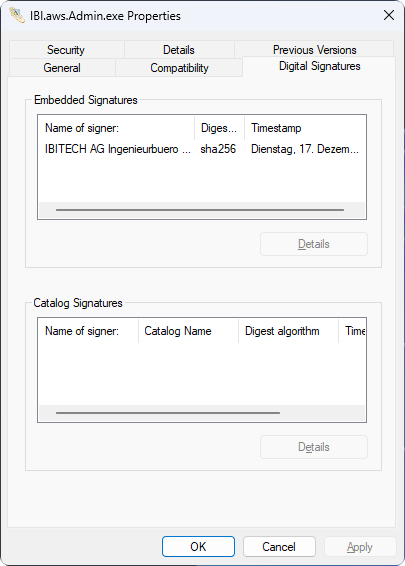
Verification points
-
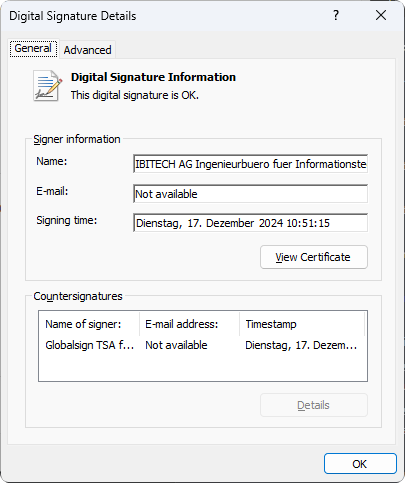
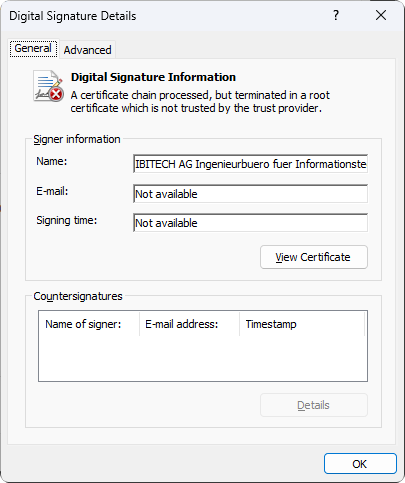
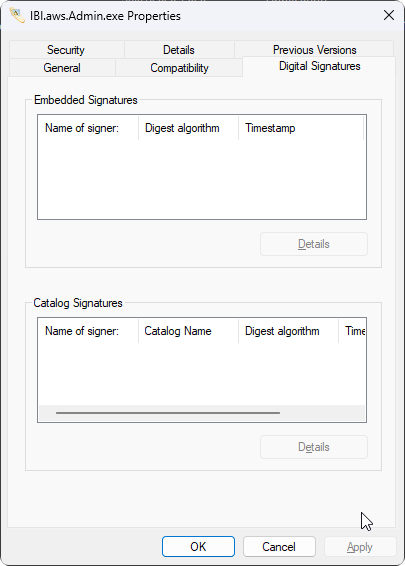
The signature status must be valid and present
-
The name must be
IBITECH AG Ingenieurbuero fuer Informationstechnologie
|
Correct |
Incorrect |
|---|---|
|
|
Result
The EXE may only be considered trustworthy and executed if the signature is valid and the name matches correctly.