
Settings in this section affect all IBI-aws Admin users. These settings must be specified if a message should be sent by e-mail.
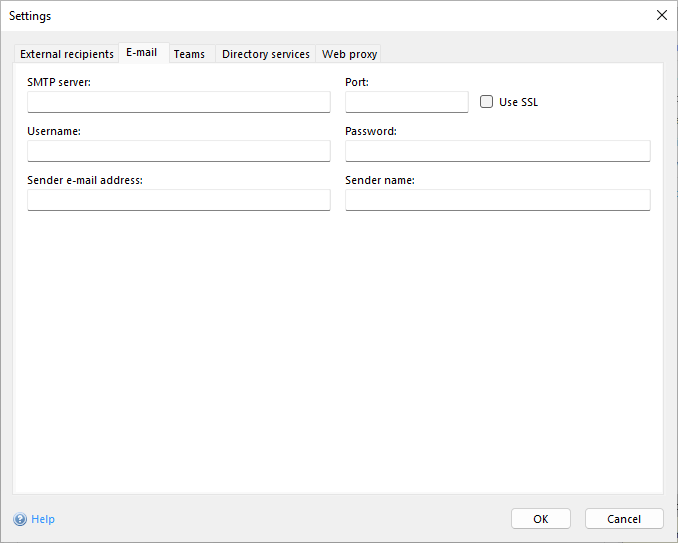
SMTP-server
Contains the SMTP-server's address.
Port
An alternative port can be entered in this field. Port 25 is used by default for SMTP.
Use SSL
When this option is enabled, data transfer between IBI-aws Admin and SMPT-server will be encrypted.
Username and password
This user credentials will be used to log in to the SMPT-server.
Sender e-mail address
The specified address will be displayed in the e-mail as sender.
Sender name
The specified name will be displayed in the e-mail as sender name.