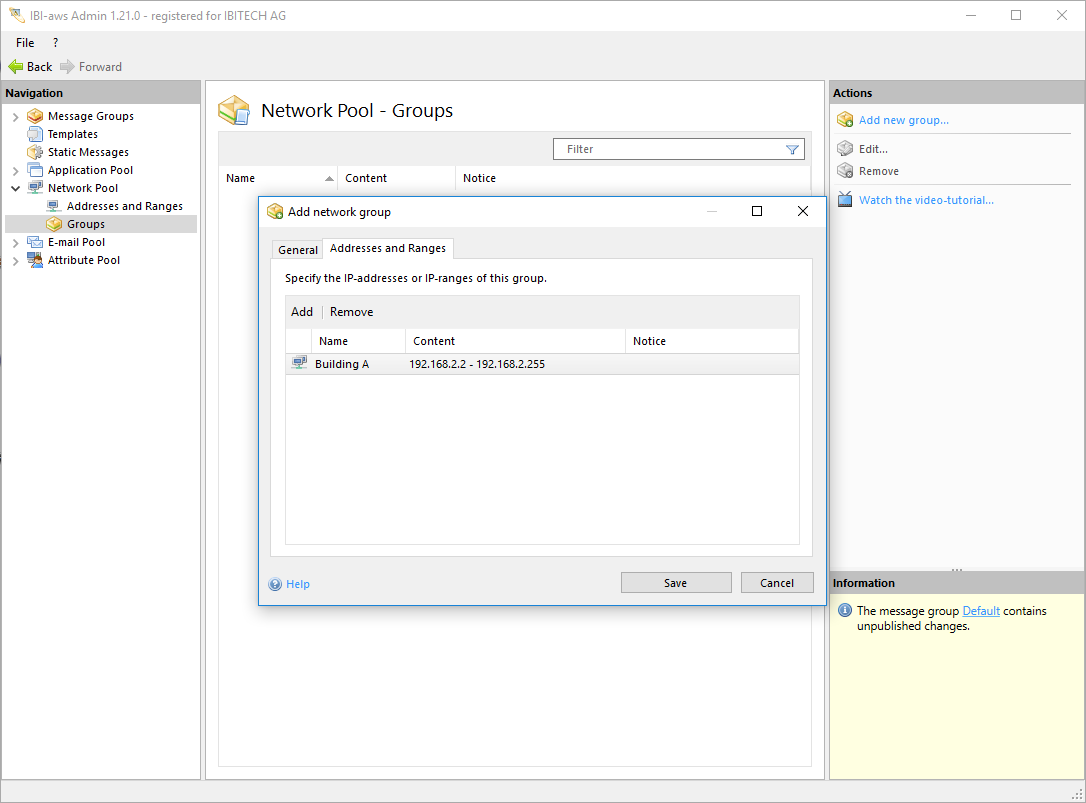
Addresses and ranges can be combined into a groups to provide better overview.
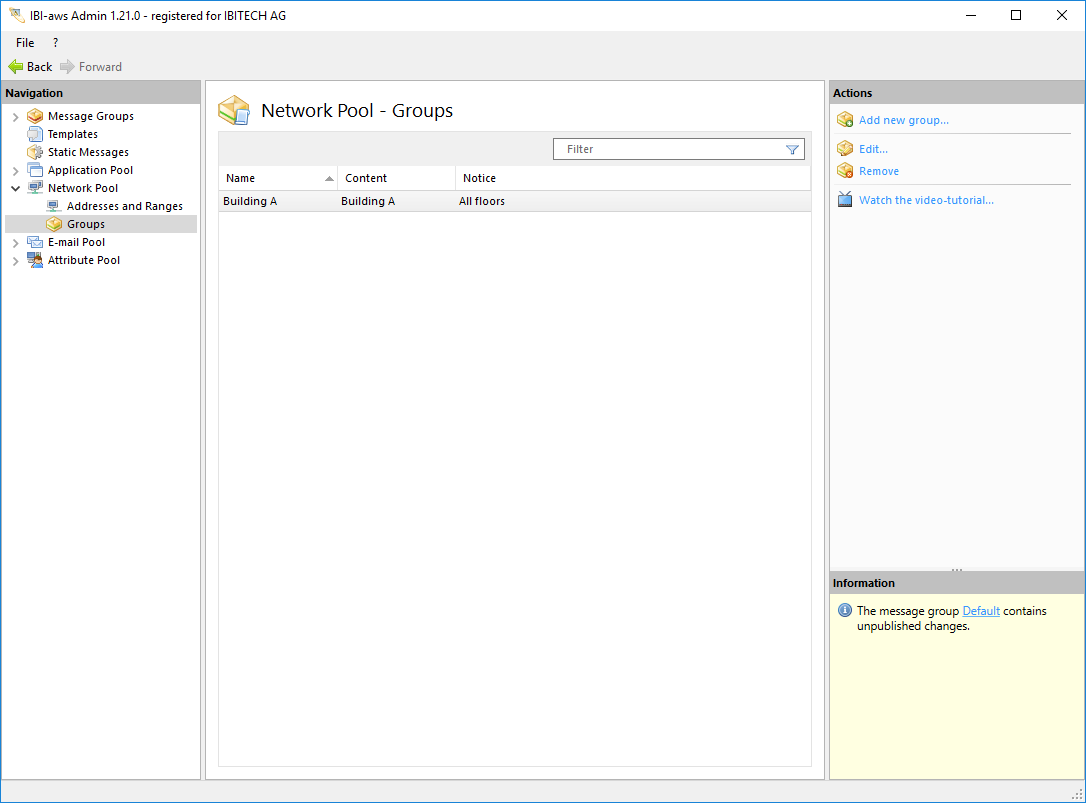
To create a group, select Groups under Network Pool in the Navigation pane. Add new group will then be available in the Actions pane.
General
Within this tab general information about the network group can be specified.
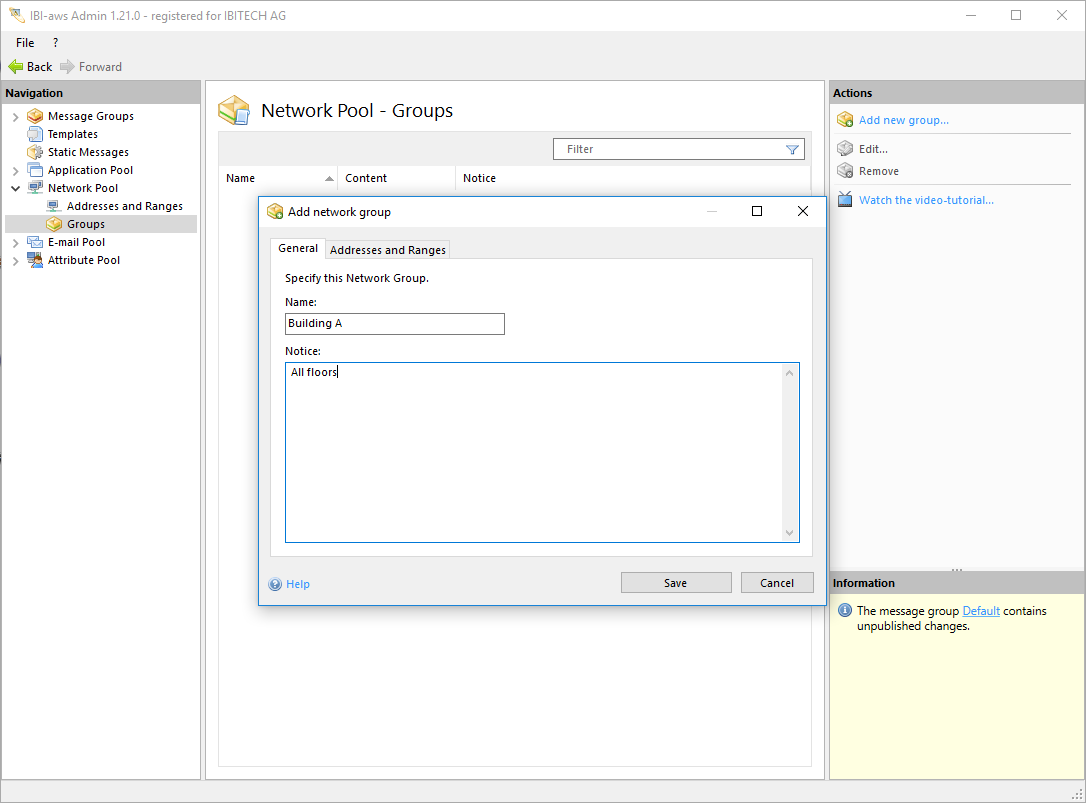
Name
The network group name can be specified within this field. The specified name is only visible inside the IBI-aws Admin.
Notice (optional)
The notice is only visible inside the IBI-aws Admin and can be used to describe this group for example.
Addresses and Ranges
Within this tab addresses and ranges can be added to this group.